
This is an easy set up. Just follow each step below.
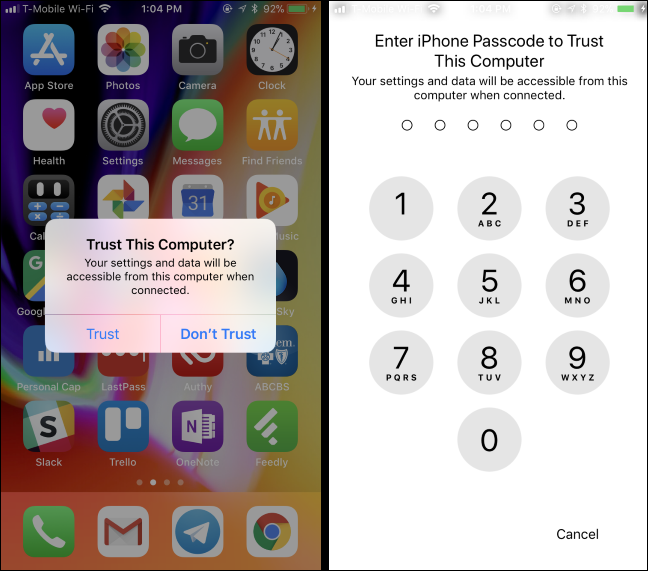

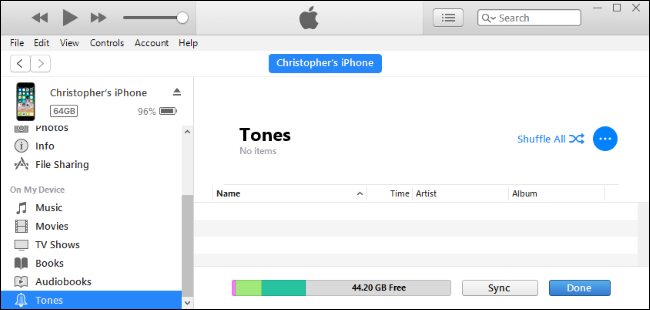
4. Click the “Tones” section under On My Device in the left sidebar.
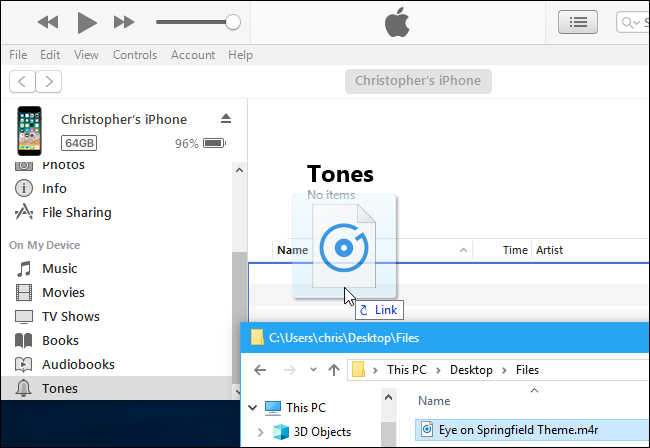
5. Copy the .m4r audio file I sent you from its folder and paste it into the Tones section in iTunes.
6. iTunes will sync the audio file to your phone and it will immediately appear under Tones.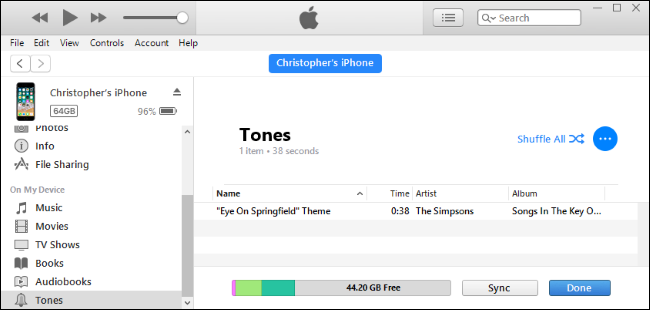
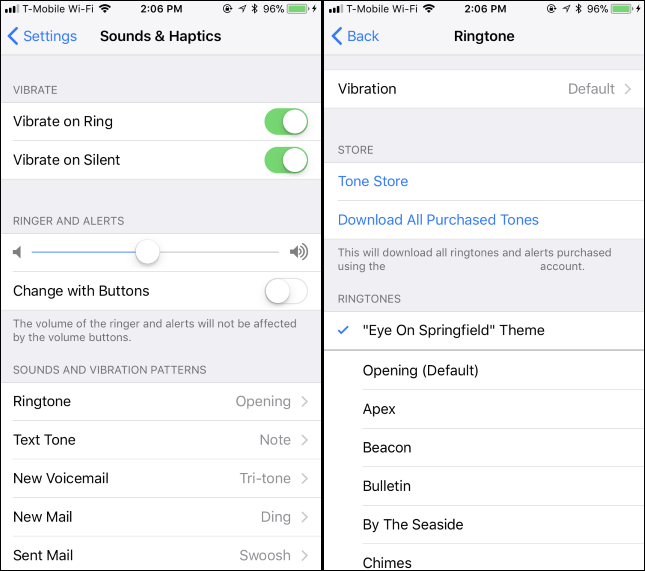
This may change slightly depending on what kind of phone you have, but you’ll get the gist of it.